

Latest Version
Yellow Elephant Productions
Entertainment
Windows
Free
9p5mvrnlgg2q
Report a Problem
More About Media Player
The Ultimate Solution for Seamless Desktop Playback
Picture this: you have just settled down for a relaxing evening, ready to watch a high-definition video file or listen to a newly curated audio playlist, only to be met with a frustrating "codec not supported" error message. This common annoyance is exactly what the Media Player universal codec software by Yellow Elephant Productions aims to eliminate. Built specifically for Windows, this robust application serves as a versatile hub for all your desktop entertainment needs, eliminating the hassle of downloading external codec packs.
Key Features of the Media Player Universal Codec Software
What sets this tool apart from standard pre-installed system players is its extensive compatibility and smooth performance. Whether you are playing rare audio formats or high-bitrate video files, the Media Player universal codec software manages it effortlessly.
- Broad Format Support: Enjoy seamless compatibility with over 200 audio and video formats, including MP4, MKV, AVI, FLAC, MOV, WMV, MP3, AAC, OGG, and WEBM.
- Ultra-High-Definition Playback: Experience stunning clarity with full support for 4K FullHD, HDR content, and Blu-ray playlists.
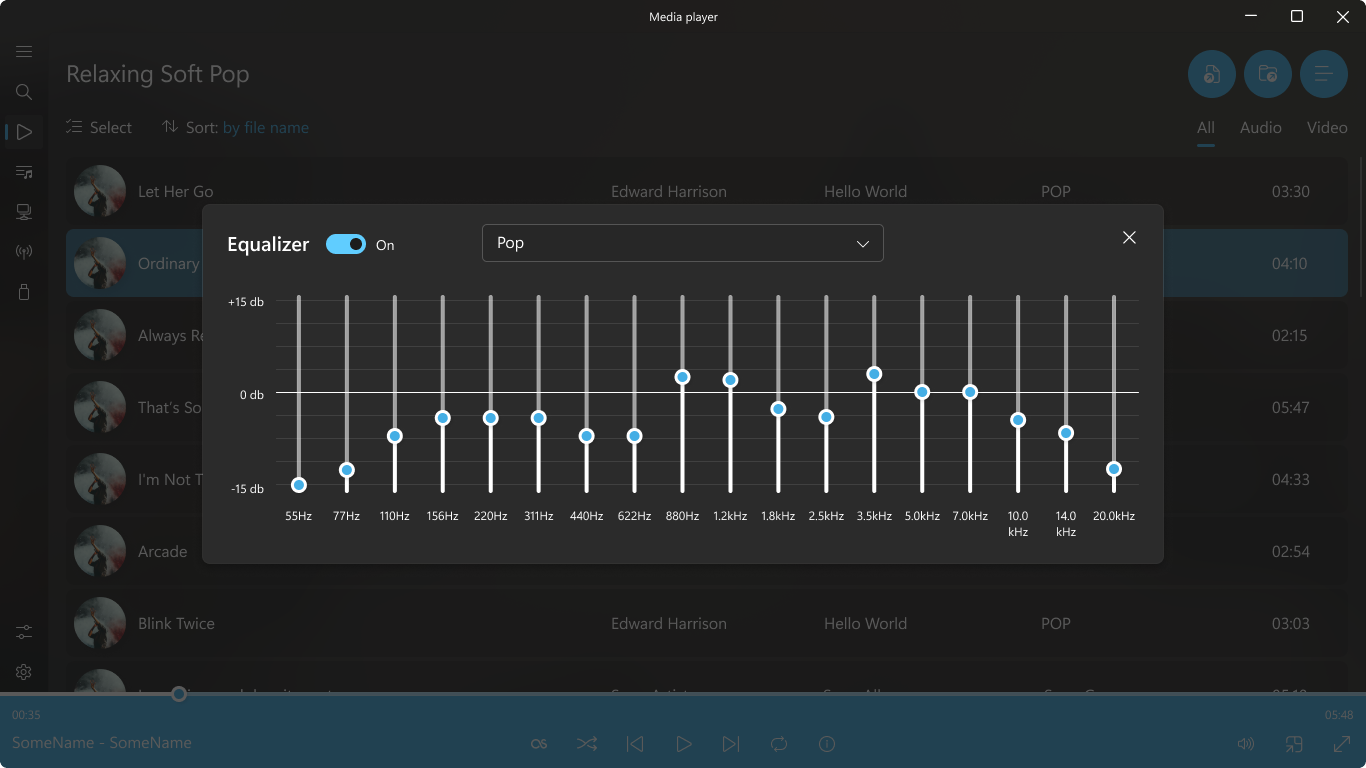
- Advanced Audio Control: Fine-tune your listening experience using the built-in equalizer and integrated LastFM support.
- Convenient Subtitle Integration: Easily load and sync subtitles for foreign films or accessibility needs.
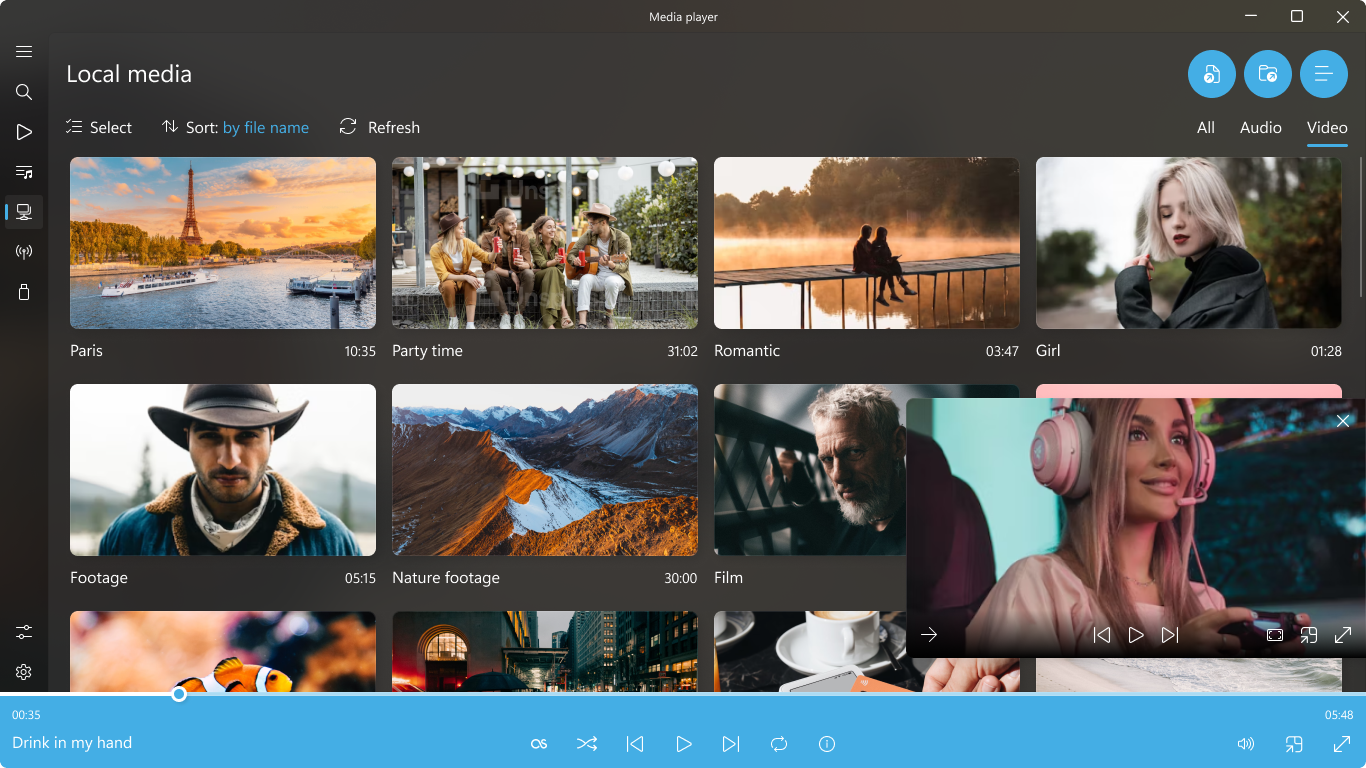
- Diverse Media Streaming: Stream game streams, Let's Plays, TV channels, and radio directly within the interface.
Streamlined Interface and Performance
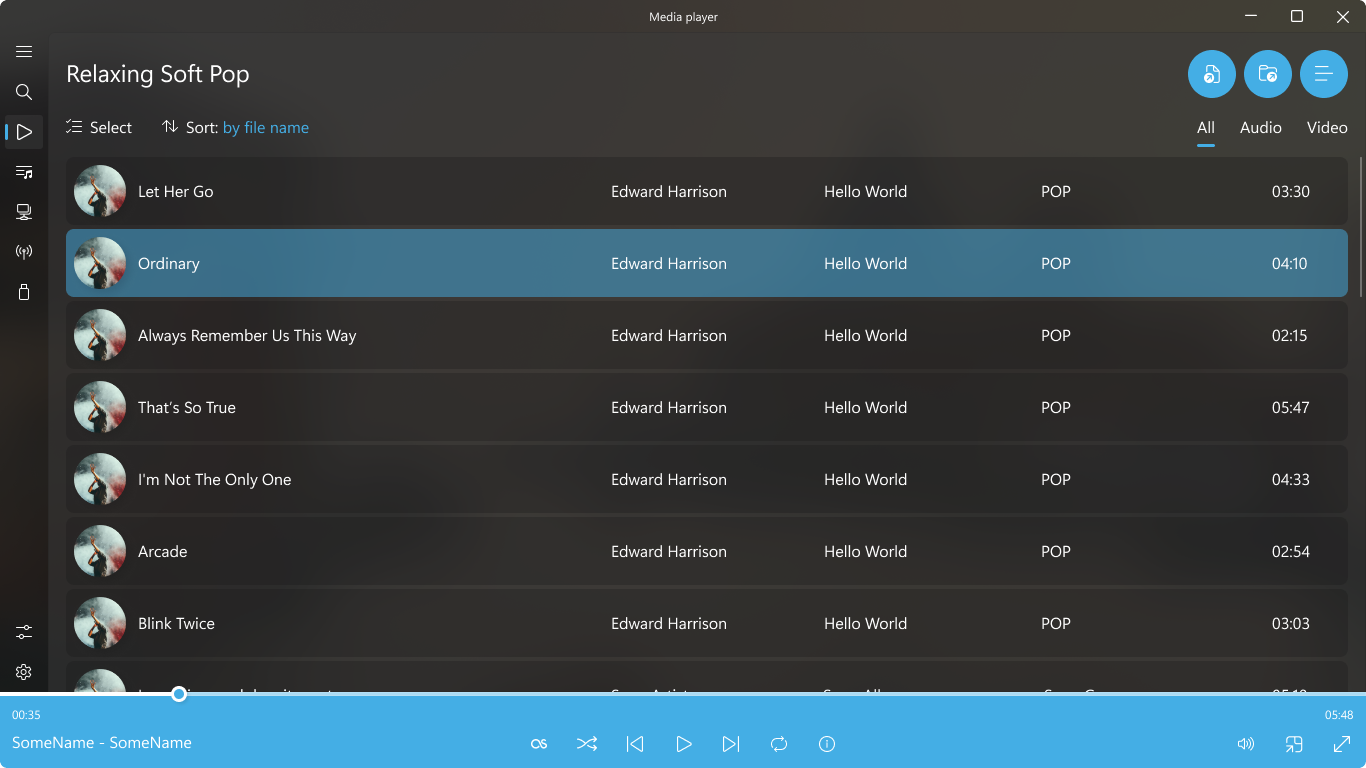
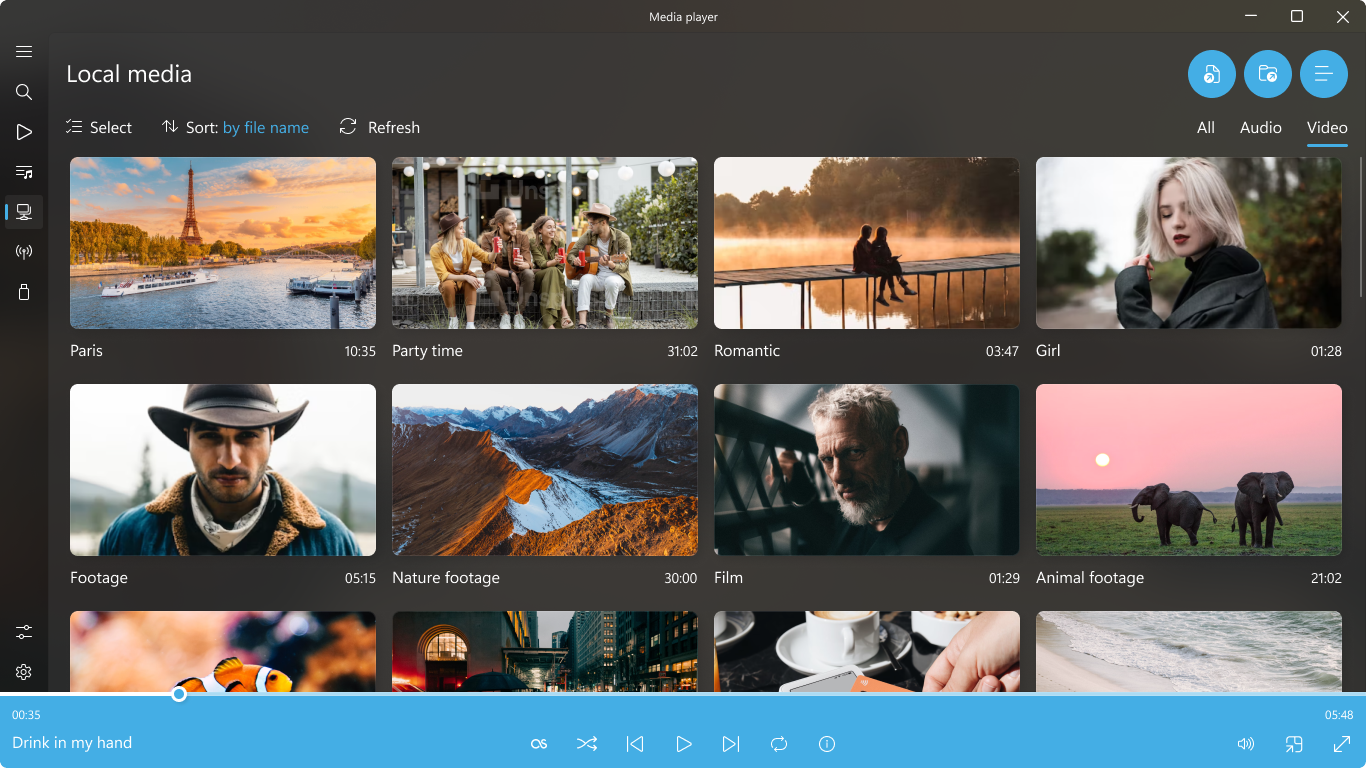
The application features a sleek, modern design complete with an intuitive onboarding guide that helps you configure your setup in seconds. Users can organize custom playlists, queue up audio tracks, and cast media directly to external screens. While the core version provides robust playback options for free, a premium upgrade is available to remove watermarks and unlock advanced customization tools, enhanced playback adjustments, and priority updates during a trial period.
Is This Windows Media Tool Right for You?
If you are tired of switching between different applications just to play different file types, the Media Player universal codec software offers a highly reliable, all-in-one alternative. It caters equally to music lovers who require detailed audio control and cinephiles who demand crisp HDR and 4K video rendering without stuttering.
To experience this powerful desktop player for yourself, visit the official Microsoft Store to explore its features and download the application directly to your Windows device.
Rate the App
User Reviews





Popular Apps










Editor's Choice